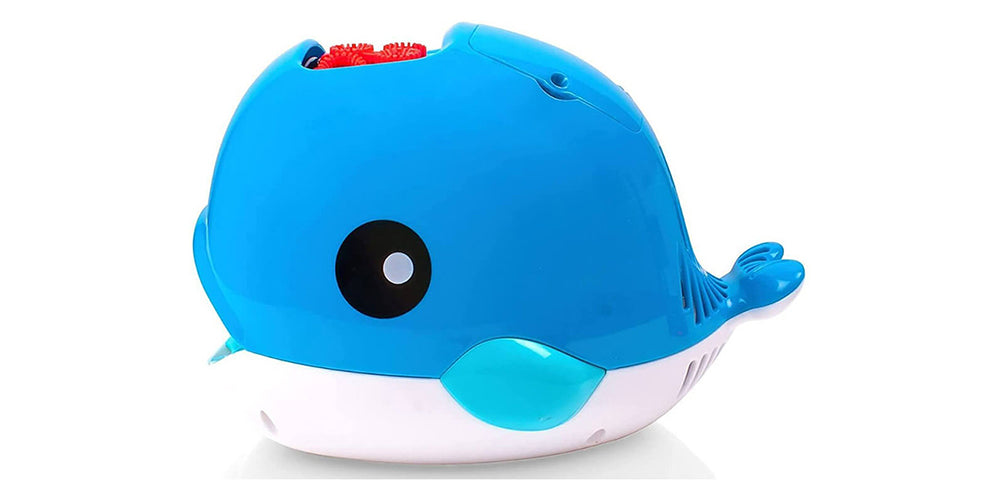
In this article, we’ll show you exactly how to set up eye gaze control for a bubble machine using eyetuitive on both iPad and Windows.


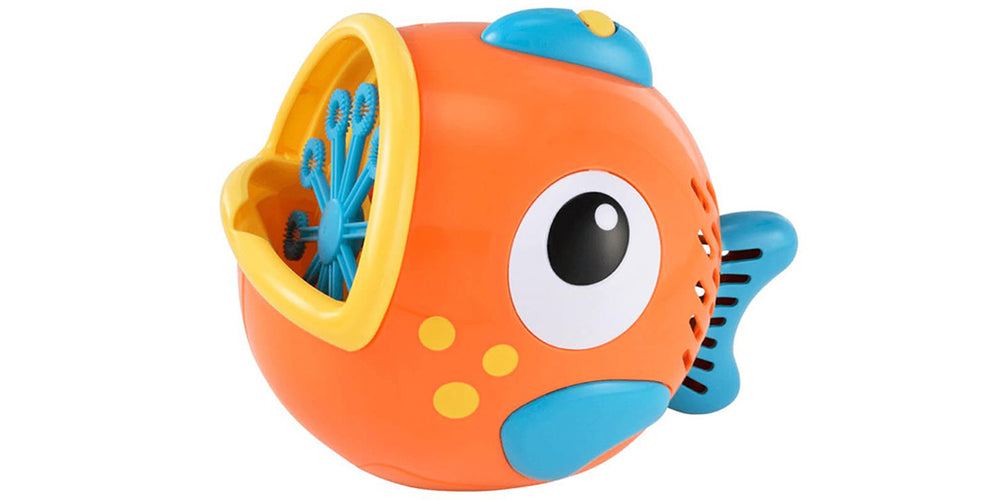
Eye gaze technology is opening up exciting new ways for individuals with physical disabilities to interact with their environment. One of the most fun and engaging ways to use eye tracking, is to control battery-operated toys.We visited Pendle View School, where we met Harry – a student with Cerebral Palsy with a great sense of humour. Harry has been using eye trackers for a while and couldn’t wait to try out eyetuitive for iPadOS. On Harry’s first try, he couldn’t get enough when controlling a bubble machine to fill the room with bubbles.
In this article, we’ll show you exactly how to set up eye gaze control for a bubble machine using eyetuitive on both iPad and Windows.
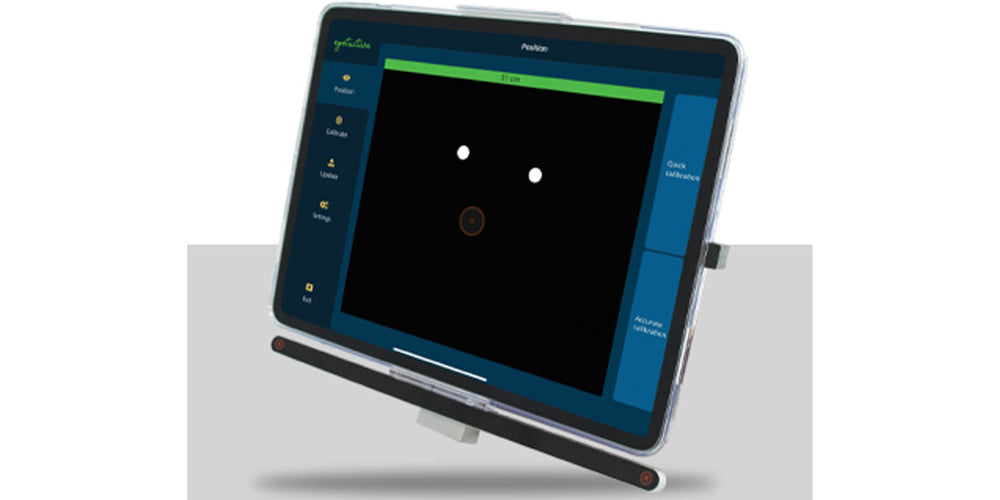
For those looking to go down the iPad route for eye gaze, eyetuitive for iPadOS is an advanced AI-powered, Apple MFi-certified eye-tracking solution that offers precision tracking, even for users with glasses.
It utilises Apple iPad “Snap to Item” and “Auto-Hide” functionality to experience more precise controls on iPad applications, grid software, and when navigating pages.
It’s easy to set up and is future-proofed with ongoing software updates.
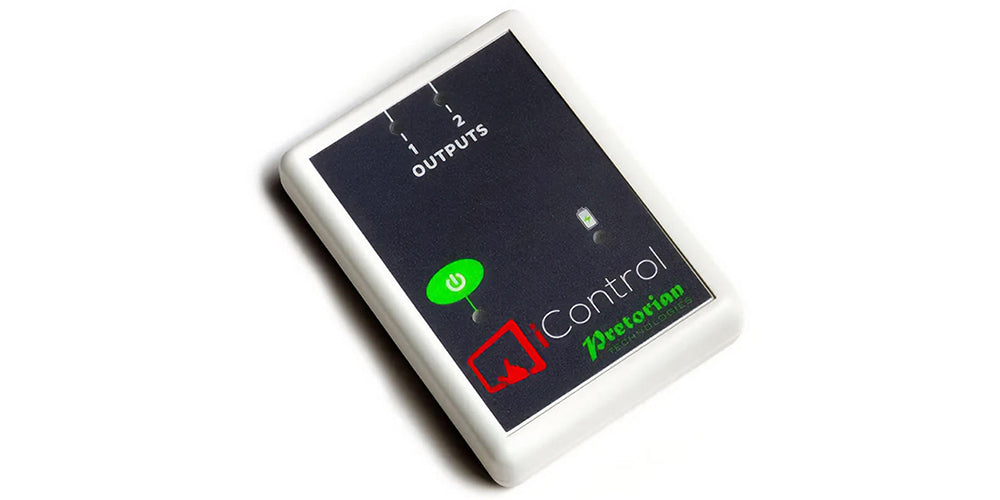
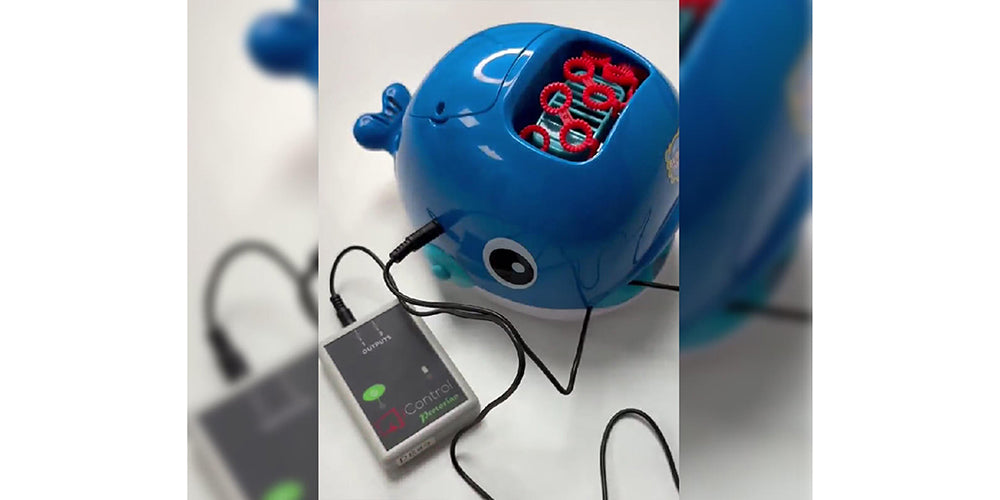
The simplest way to control a battery-operated toy is with the iControl.
The iControl is a wireless switch interface that allows switch adapted toys to be operated using an iPad.
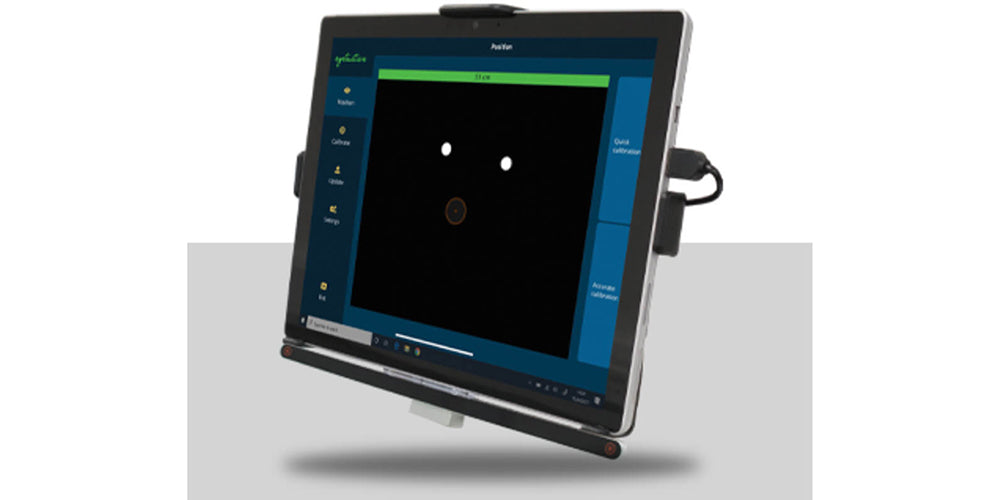
For a Windows setup, eyetuitive for Windows offers an advanced AI-powered tracker, which is the smallest of its kind.
It provides advanced tracking accuracy and works seamlessly with assistive and mouse-driven software.
It uses eye and face detection with neural networks and is the only eye tracker with a dedicated accelerator chip/processor for neural networks.
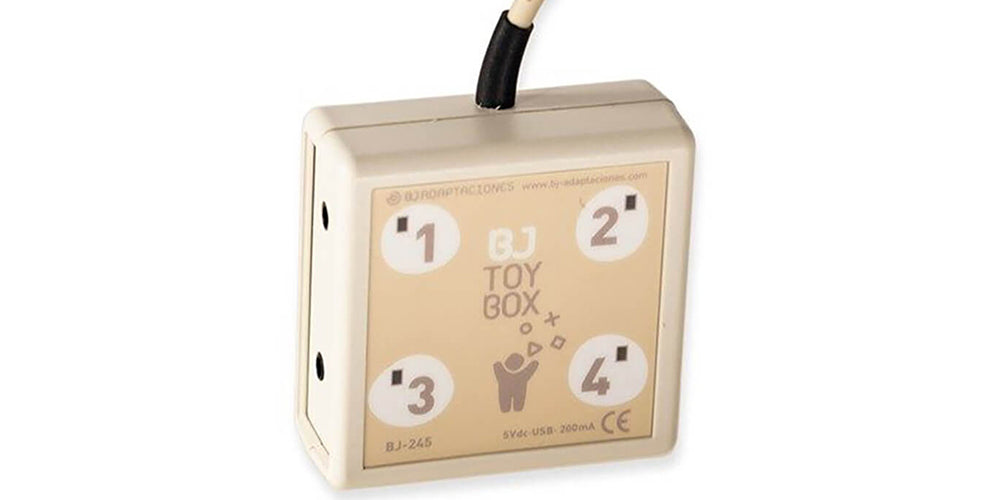
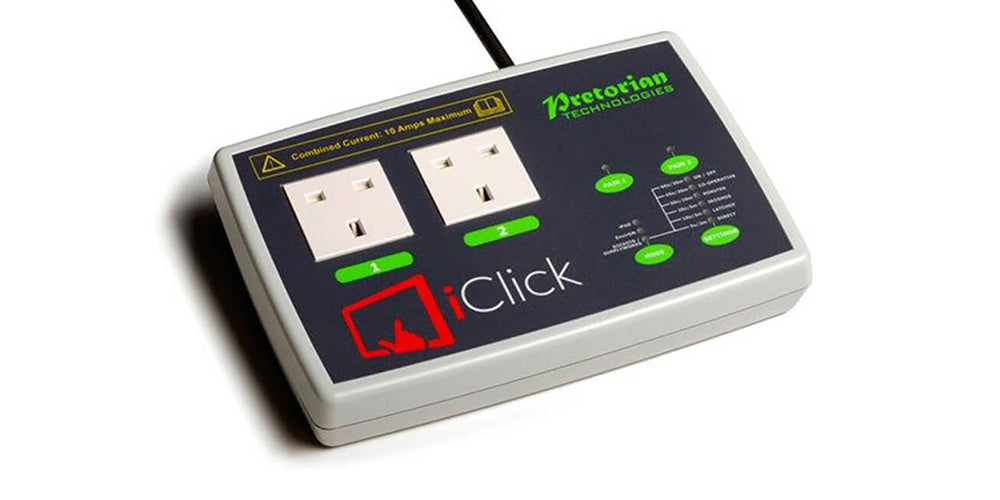
The simplest way to connect eyetuitive for Windows eye tracker to a battery-operated toy, is with the ToyBox. This allows users to control battery-operated toys via a computer.
By connecting to the PC via USB, it enables interaction through eye gaze or switch access, offering more ways for users to engage with their environment.
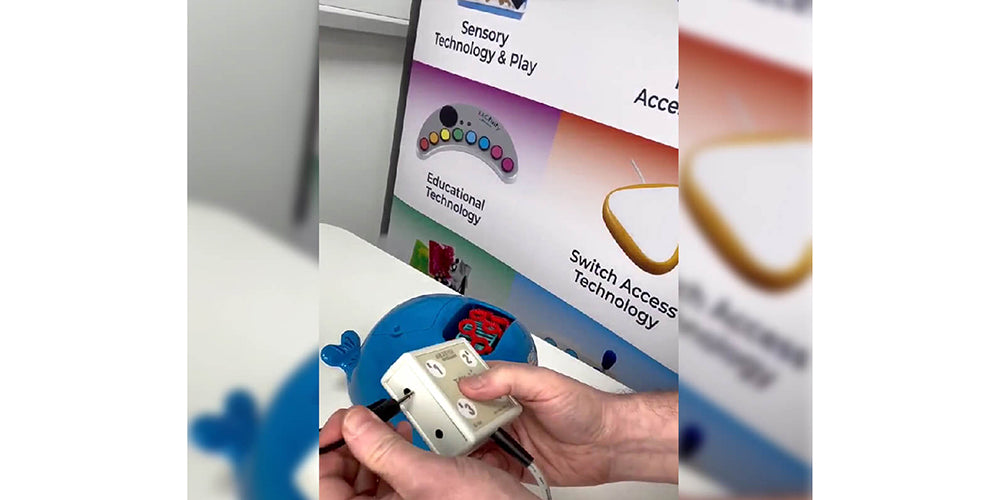
If you'd like to go beyond battery-operated toys and control electrical appliances such as lamps or fans via eye gaze, we have a range of environmental control devices to suit your needs.
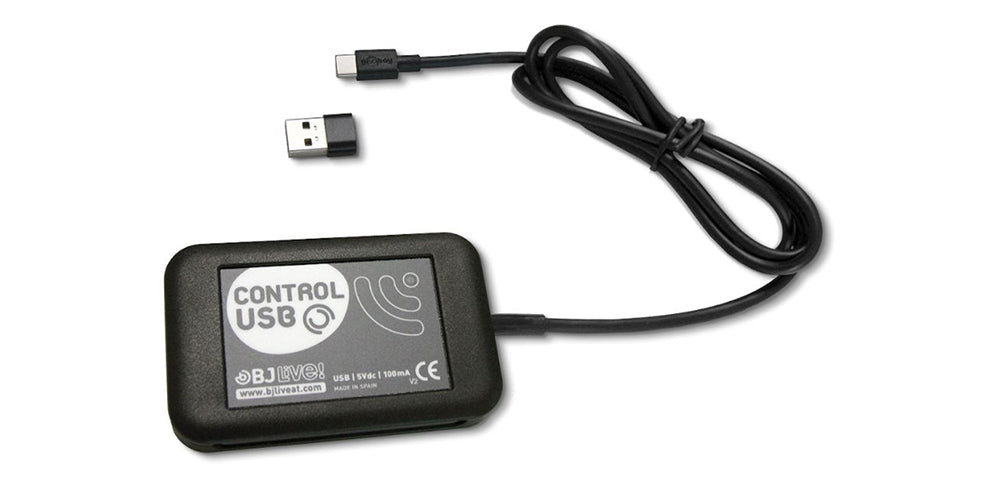
For Windows based eye gaze systems like eyetuitive for Windows, the best option would be the Control USB, which allows you to control up to 16 main-powered devices.
As seen in our video with Harry, using eye gaze to control toys like a bubble machine can be a fun and rewarding experience. Whether using an iPad with iControl or a Windows PC with a ToyBox, eyetuitive makes it possible for individuals with physical disabilities to play, learn, and explore.
If you are based in the UK, some products in your order may be eligible for zero-rated VAT under UK government rules. See A Guide to VAT Relief for more details.
If you qualify for VAT relief, please select the relevant option below.
Please note: VAT relief is for eligible UK customers only. It cannot be claimed by customers outside the UK, or by schools, other educational institutions, LEAs or companies.
Please note there are penalties for making false declarations
You (or the person for whom you are purchasing the products on behalf of) do not have to be registered disabled, but the nature of the illness or disablement must be specified below.
If you are in any doubt as to whether you are eligible to receive goods or services zero-rated for VAT you should consult Notice 701/7 VAT reliefs for disabled people or contact the National Advice Service on 0845 010 9000 before digitally signing the declaration.
By completing this form you authorise Inclusive Technology Ltd to hold your information on file. This data will be used for VAT accounting purposes only.
Please note there are penalties for making false declarations
You (or the person for whom you are purchasing the products on behalf of) do not have to be registered disabled, but the nature of the illness or disablement must be specified below.
If you are in any doubt as to whether you are eligible to receive goods or services zero-rated for VAT you should consult Notice 701/7 VAT reliefs for disabled people or contact the National Advice Service on 0845 010 9000 before digitally signing the declaration.